How to Use Ticks on Webull: A Comprehensive Guide
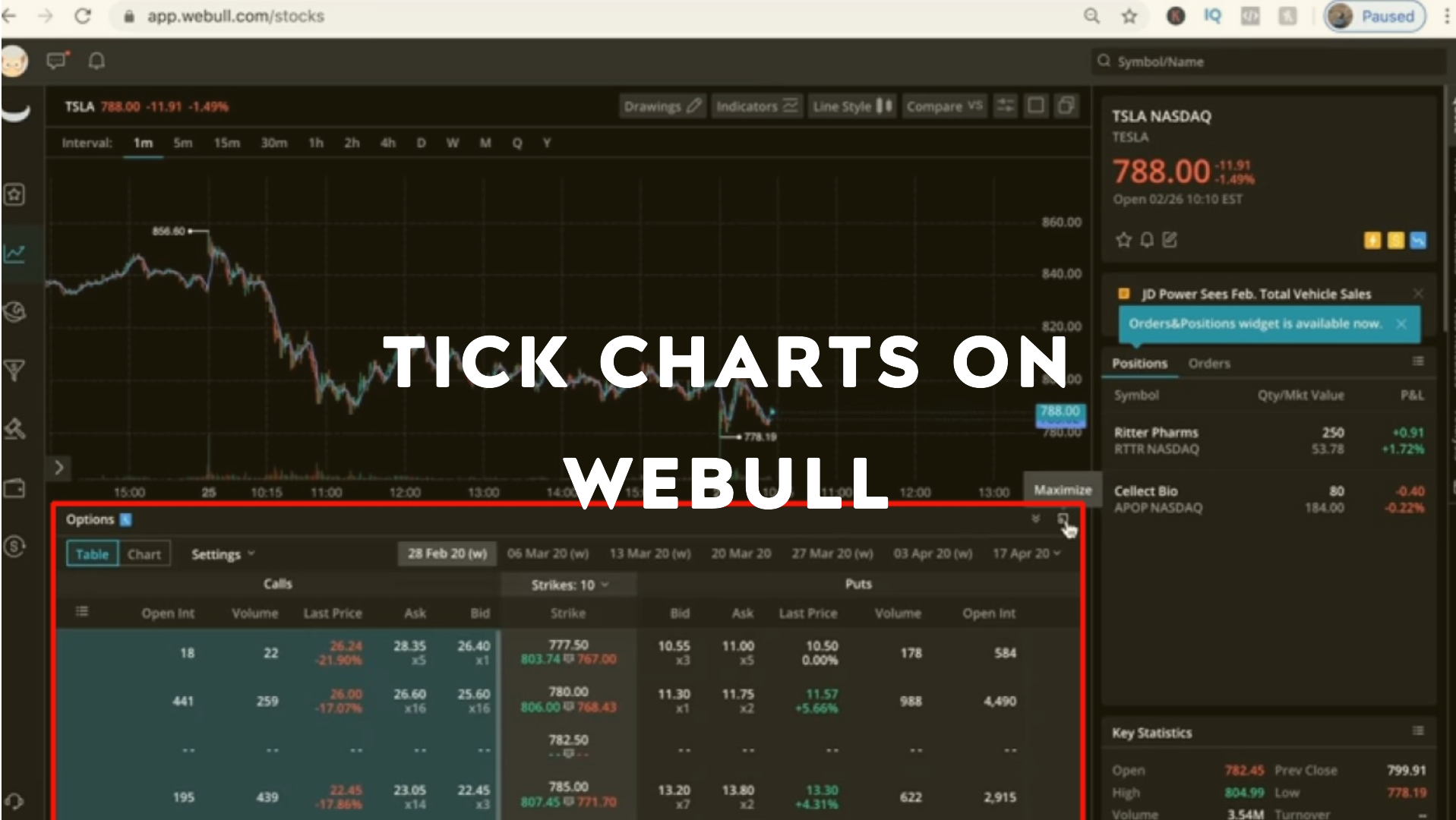
Webull is a popular trading platform known for its advanced charting tools, real-time data, and commission-free trading. One of the key features that active traders use is tick charts, which provide a different perspective compared to traditional time-based charts. how to use ticks on webull
In this guide, we’ll explore what ticks are, how they work on Webull, and how traders can use them to enhance their strategies.
What Are Tick Charts?
Tick charts are a type of financial chart that plots price movements based on the number of transactions (ticks) rather than time. Unlike time-based charts (e.g., 1-minute or 5-minute charts), tick charts update with each trade, providing a more granular view of market activity.
Key Features of Tick Charts:
Transaction-Based: Each bar or candlestick represents a set number of trades.
Dynamic Updates: More active stocks will have more frequent updates.
Better for Scalping & Day Trading: Helps identify short-term trends and liquidity.
Does Webull Support Tick Charts?
Yes, Webull offers tick charts, but they are only available on the desktop platform (not on mobile). Traders can customize tick sizes to match their trading style.
Available Tick Settings on Webull:
1-Tick Chart (extremely granular, updates every trade)
5-Tick Chart (small moves, good for scalping)
10-Tick Chart (moderate activity)
50-Tick Chart (smoother trends)
100-Tick Chart & higher (for longer-term intraday analysis)
How to Enable Tick Charts on Webull
Follow these steps to switch from time-based charts to tick charts:
Step 1: Open Webull Desktop
Launch the Webull desktop app or use the web platform.
Step 2: Select a Chart
Open the chart for the stock or asset you want to analyze.
Step 3: Change the Chart Type
Click on the timeframe dropdown (usually set to "1 minute" or "5 minutes").
Scroll down and select "Tick" from the menu.
Step 4: Adjust Tick Size
Choose your preferred tick setting (e.g., 5-tick, 10-tick, etc.).
How to Trade Using Tick Charts on Webull
Tick charts are especially useful for scalping, day trading, and identifying short-term trends. Here’s how traders use them: Does webull trade using ticks
1. Identifying Entry & Exit Points
Tick charts show rapid price movements, helping traders spot quick reversals or breakouts.
Example: A sudden surge in ticks may indicate strong buying pressure.
2. Spotting Liquidity & Order Flow
High tick volume suggests strong liquidity, making it easier to enter/exit trades.
Low tick volume may indicate a slow market or potential consolidation.
3. Combining with Other Indicators
Use tick charts with:
Volume Profile – Confirms high-activity zones.
Moving Averages – Helps smooth out noise.
RSI or MACD – Identifies overbought/oversold conditions.
4. Scalping Strategies
5-Tick or 10-Tick Charts are ideal for scalpers looking for quick 1-3 point moves.
Look for tight candlestick patterns and rapid momentum shifts.
Pros & Cons of Tick Charts on Webull
Advantages:
✅ More Responsive – Updates with each trade, not just time-based intervals.
✅ Better for Fast Markets – Great for high-frequency trading.
✅ Reduces Noise – Eliminates slow periods where nothing happens.
Disadvantages:
❌ Not Available on Mobile – Only works on Webull Desktop.
❌ Can Be Overwhelming – Too many ticks can make charts chaotic.
❌ Less Useful for Swing Trading – Better suited for short-term traders.
Best Tick Settings for Different Trading Styles
| Trading Style | Recommended Tick Size | Why? |
|---|---|---|
| Scalping | 1-Tick to 5-Tick | Captures micro-movements |
| Day Trading | 10-Tick to 50-Tick | Balances speed & readability |
| Swing Trading | 100-Tick+ | Smoother trends, less noise |
Conclusion
Tick charts on Webull provide a powerful alternative to traditional time-based charts, especially for active traders. By understanding how to set them up and interpret them, you can gain an edge in fast-moving markets. How to Trade Using Tick Charts on Webull
While they are not available on mobile, Webull’s desktop platform offers robust tick chart functionality for day traders and scalpers. Experiment with different tick sizes to find the best fit for your strategy!
Final Tips:
✔ Start with 10-Tick or 50-Tick charts if you're new to tick trading.
✔ Combine tick charts with volume analysis for better confirmation.
✔ Avoid using tick charts for long-term investing—stick to time-based charts instead.
By mastering tick charts on Webull, you can refine your trading approach and react faster to market movements. Happy trading! 🚀
.png)


Comments
Post a Comment